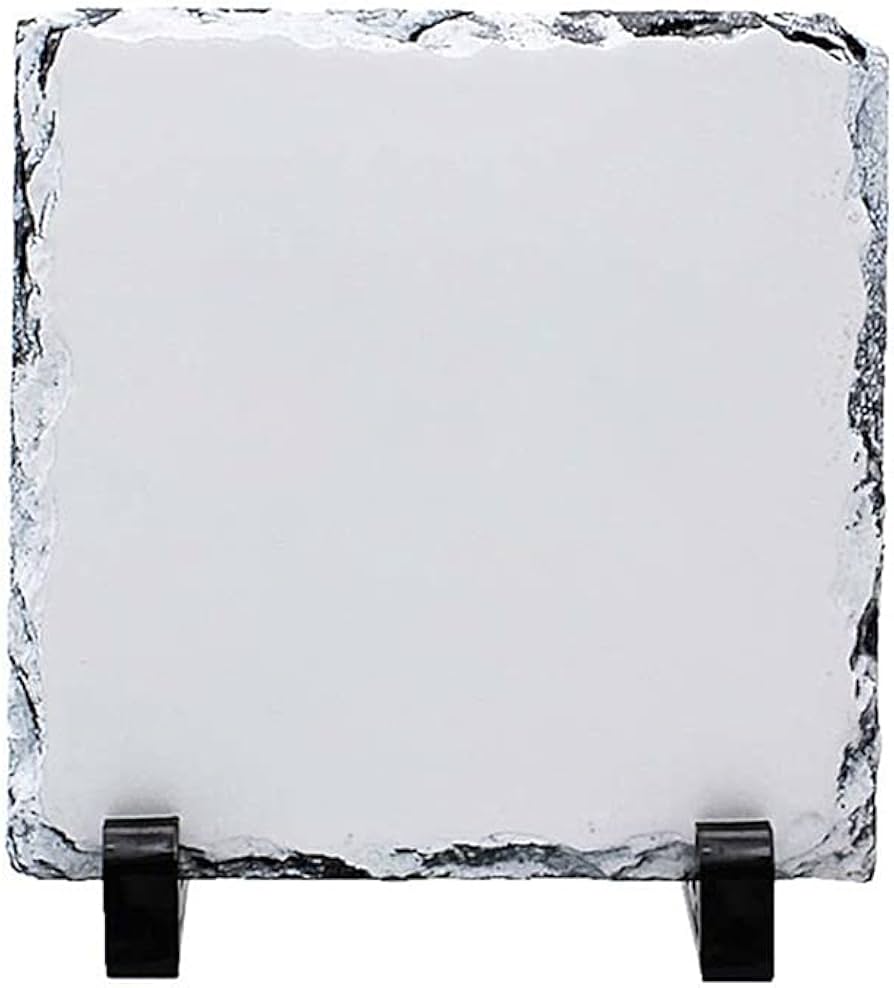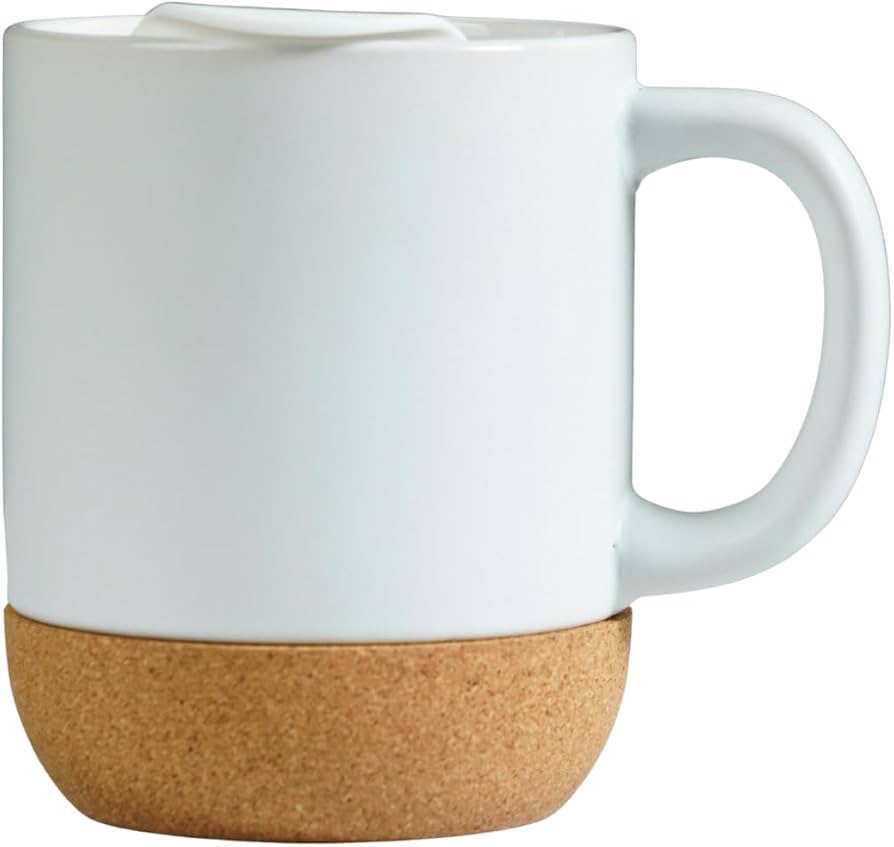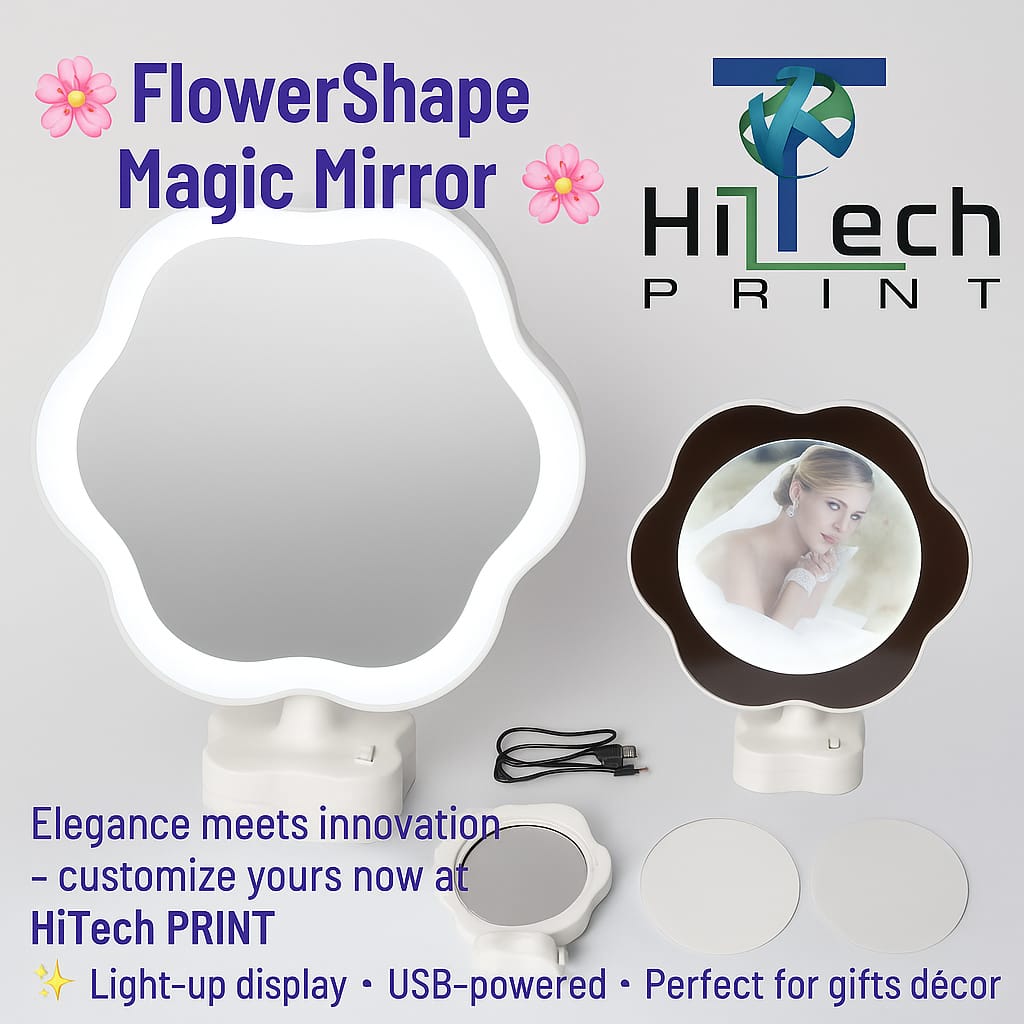
SQUARE 15*15cm
Upload your design, position it on the real product and create the personalized preview before ordering.
Open Studio →Choose a product that is enabled in Studio Manager, upload your photos, arrange the design and preview it before ordering. Only Admin Studio products appear here.
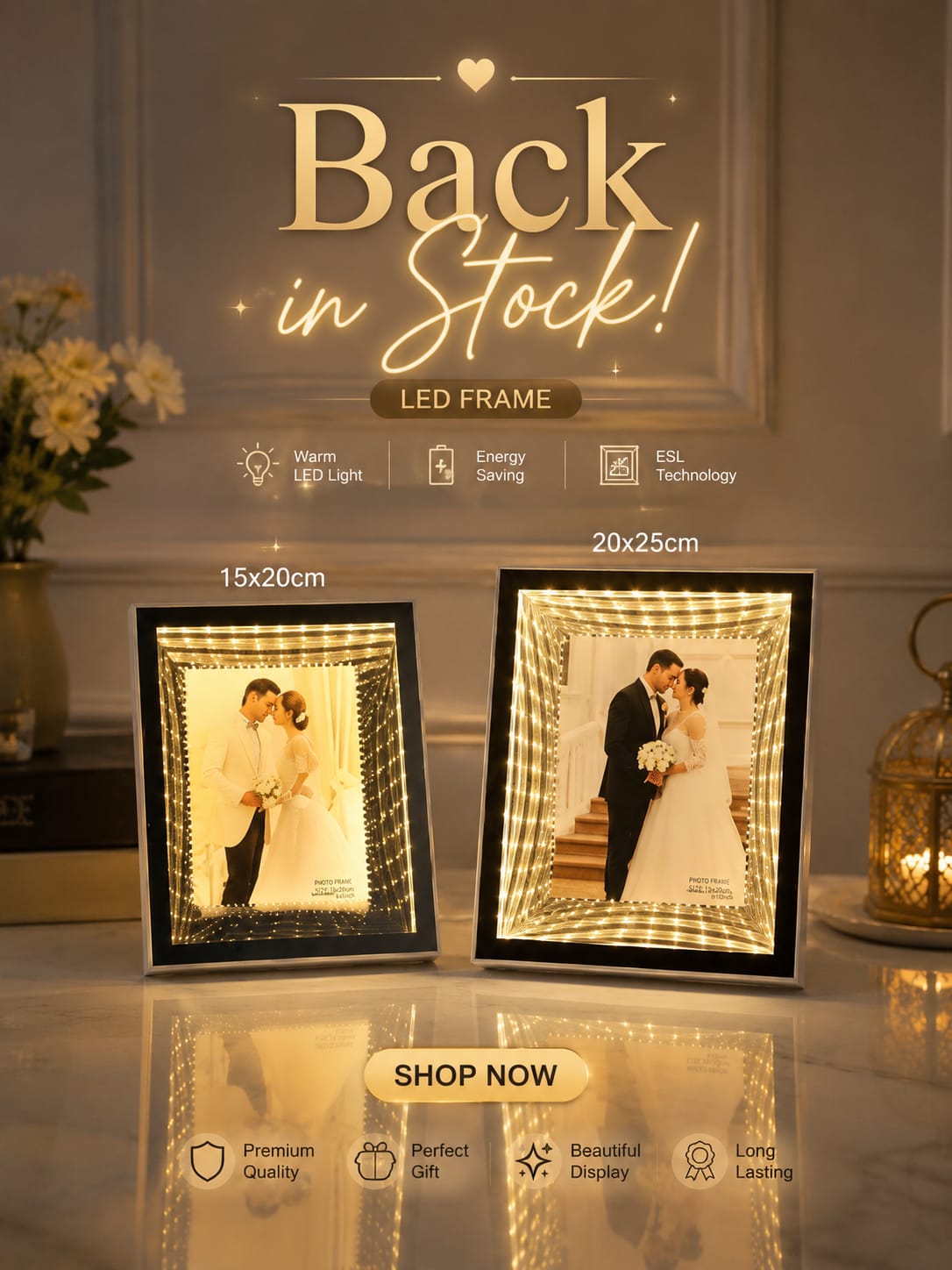
24 Studio products
Upload your design, position it on the real product and create the personalized preview before ordering.
Open Studio →
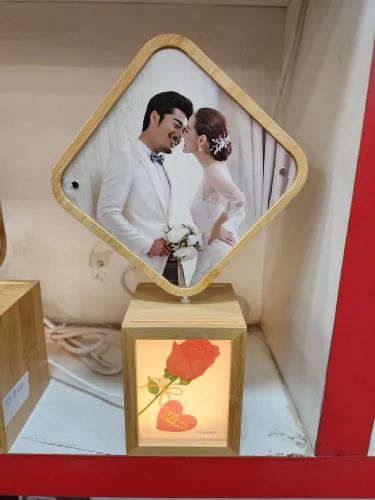
Upload your design, position it on the real product and create the personalized preview before ordering.
Open Studio →
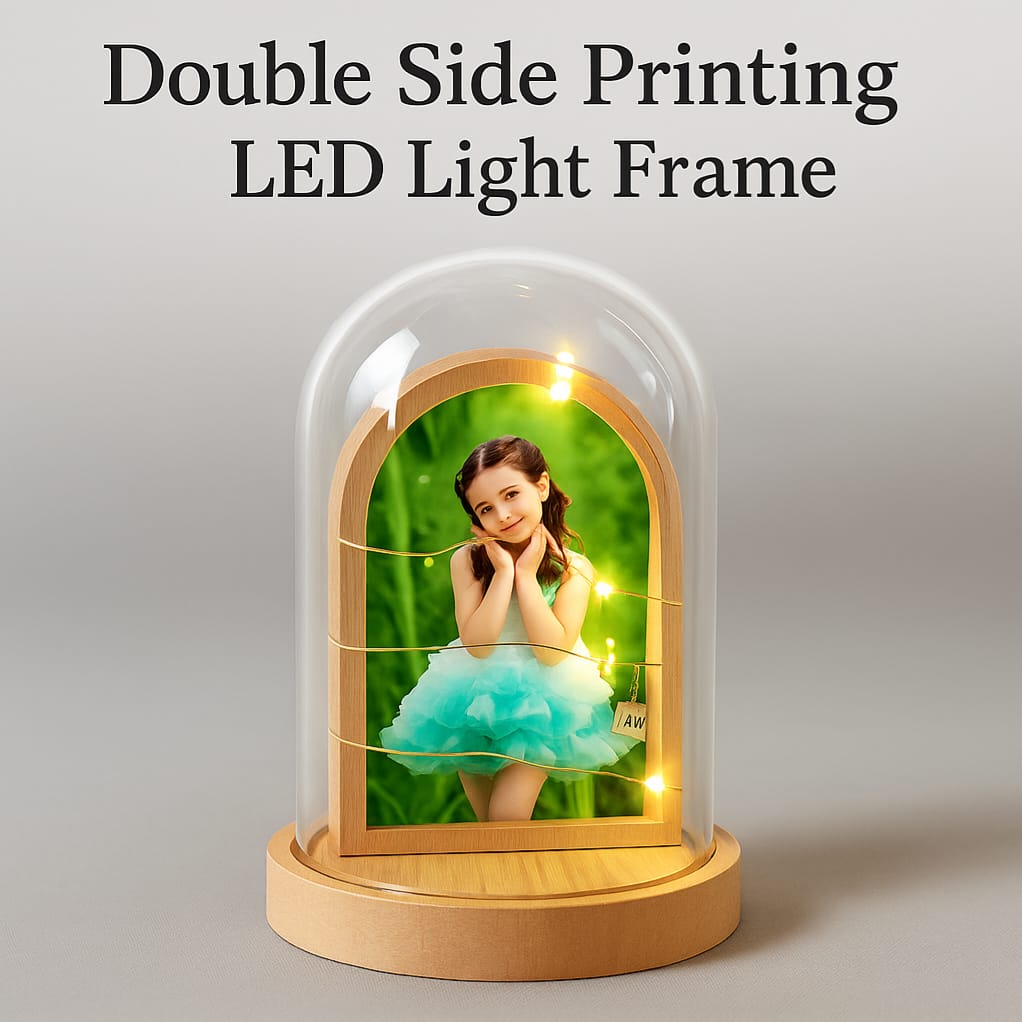
Upload your design, position it on the real product and create the personalized preview before ordering.
Open Studio →
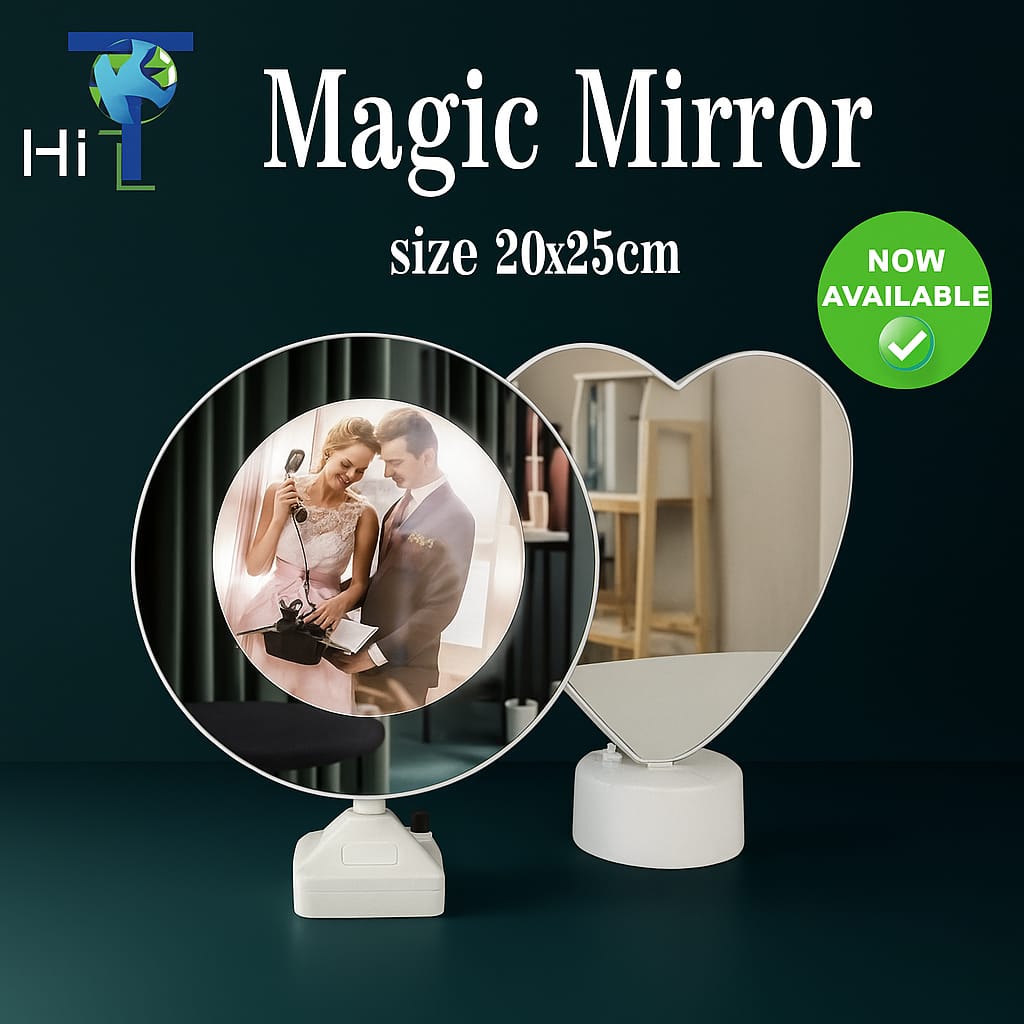
Upload your design, position it on the real product and create the personalized preview before ordering.
Open Studio →
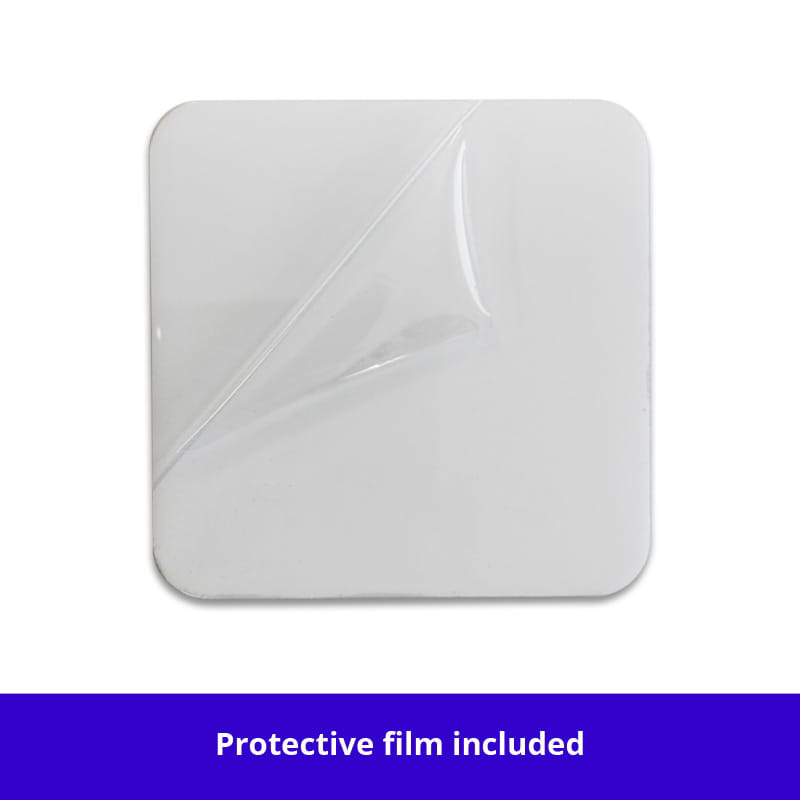
Upload your design, position it on the real product and create the personalized preview before ordering.
Open Studio →
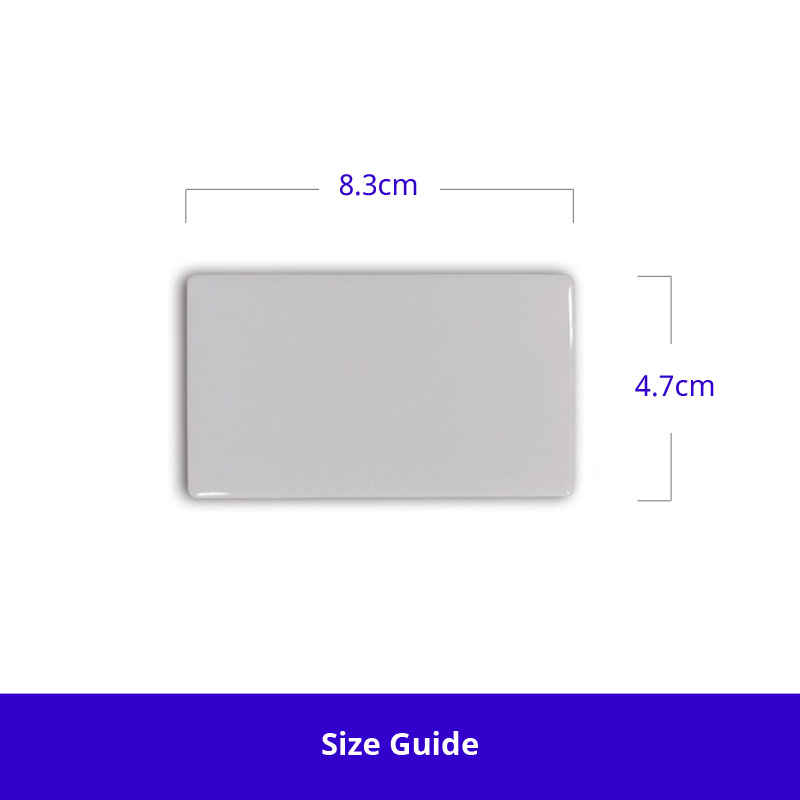
Upload your design, position it on the real product and create the personalized preview before ordering.
Open Studio →
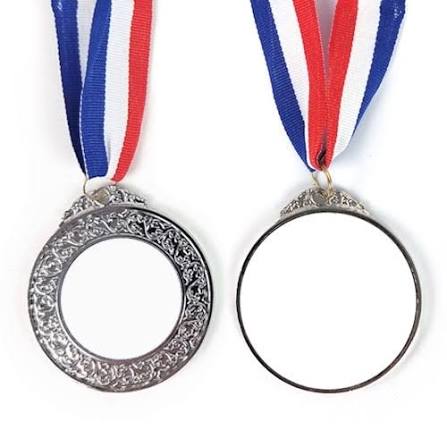
Upload your design, position it on the real product and create the personalized preview before ordering.
Open Studio →
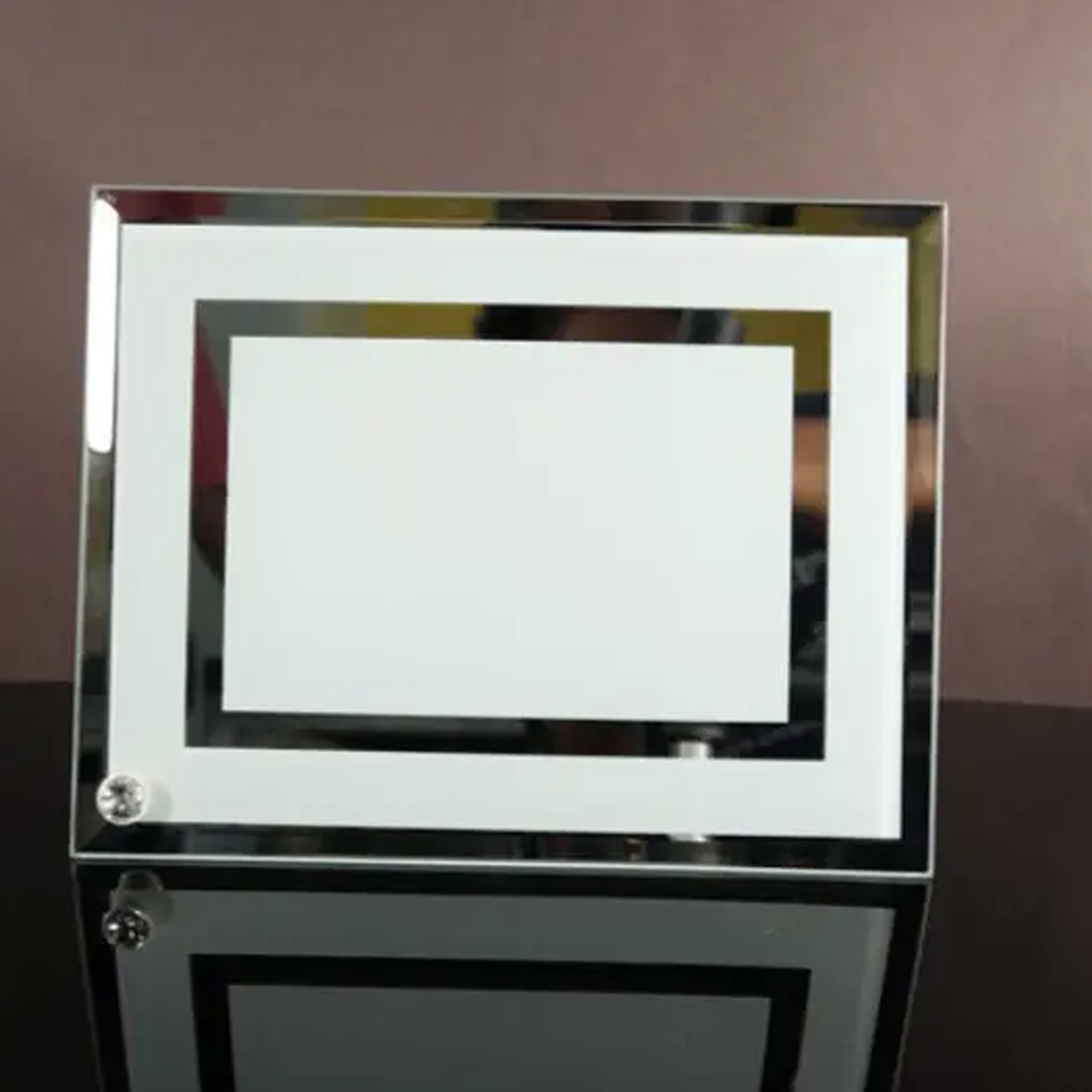
Upload your design, position it on the real product and create the personalized preview before ordering.
Open Studio →
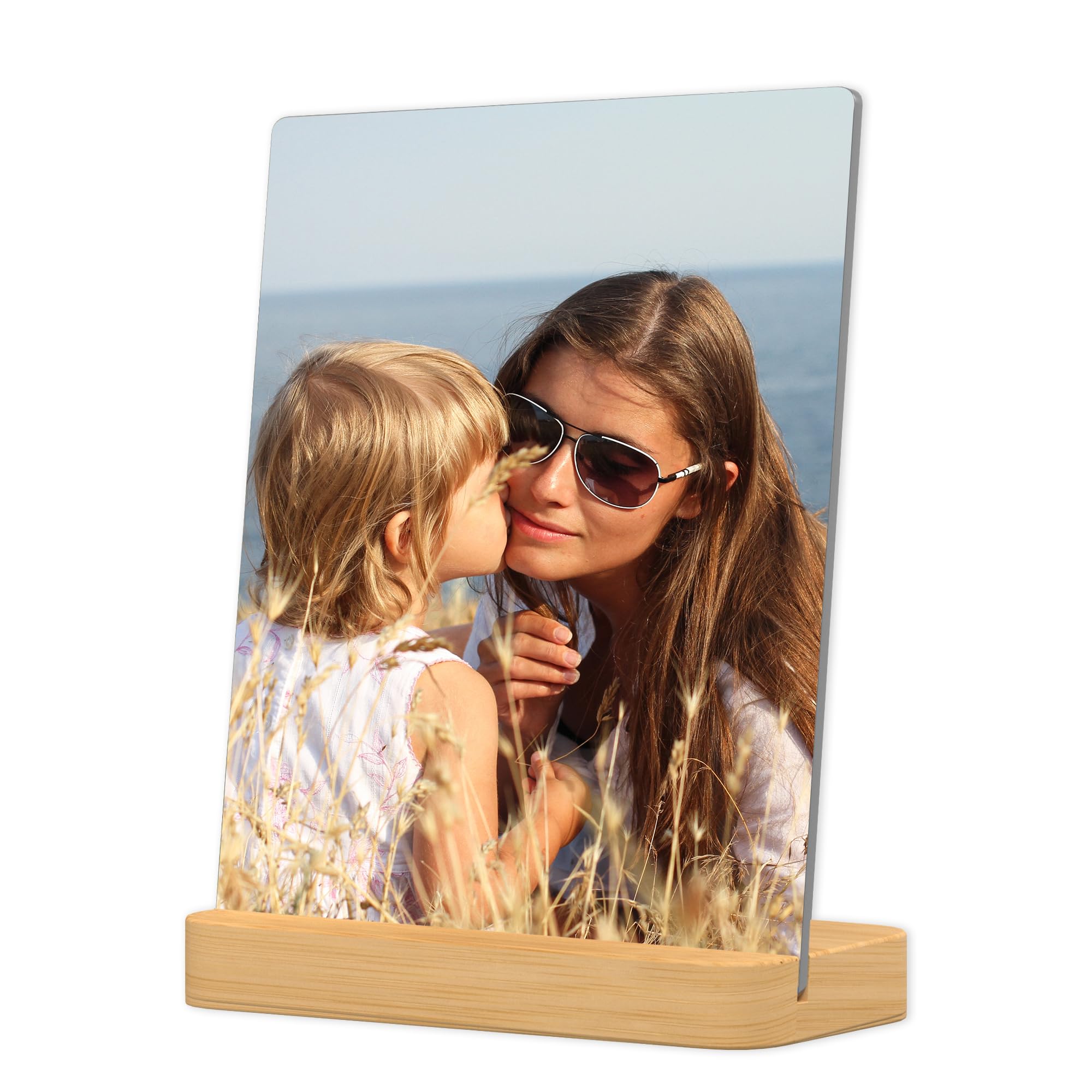
Upload your design, position it on the real product and create the personalized preview before ordering.
Open Studio →
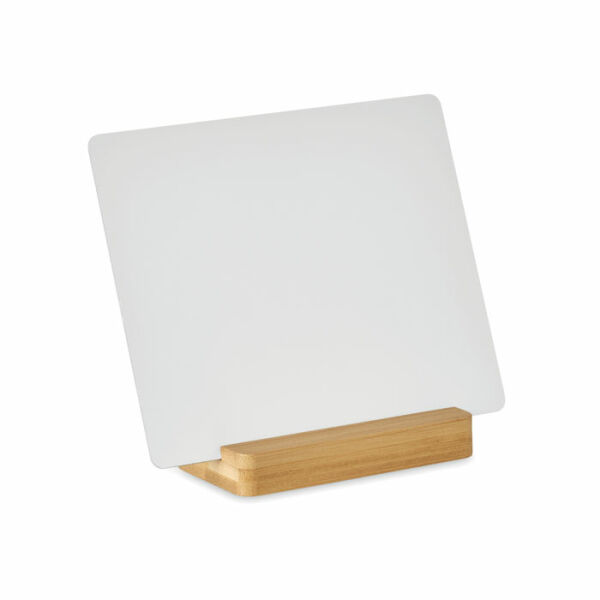
Upload your design, position it on the real product and create the personalized preview before ordering.
Open Studio →
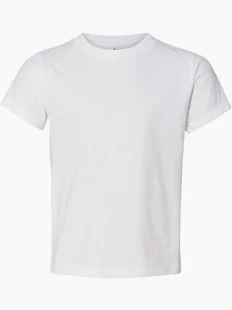
Upload your design, position it on the real product and create the personalized preview before ordering.
Open Studio →
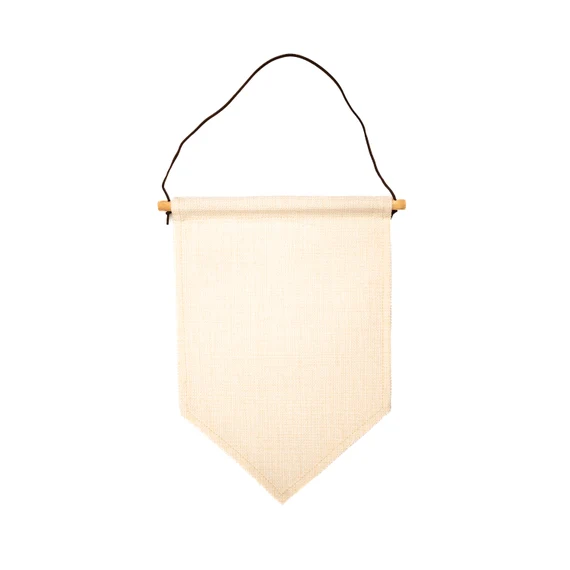
Upload your design, position it on the real product and create the personalized preview before ordering.
Open Studio →
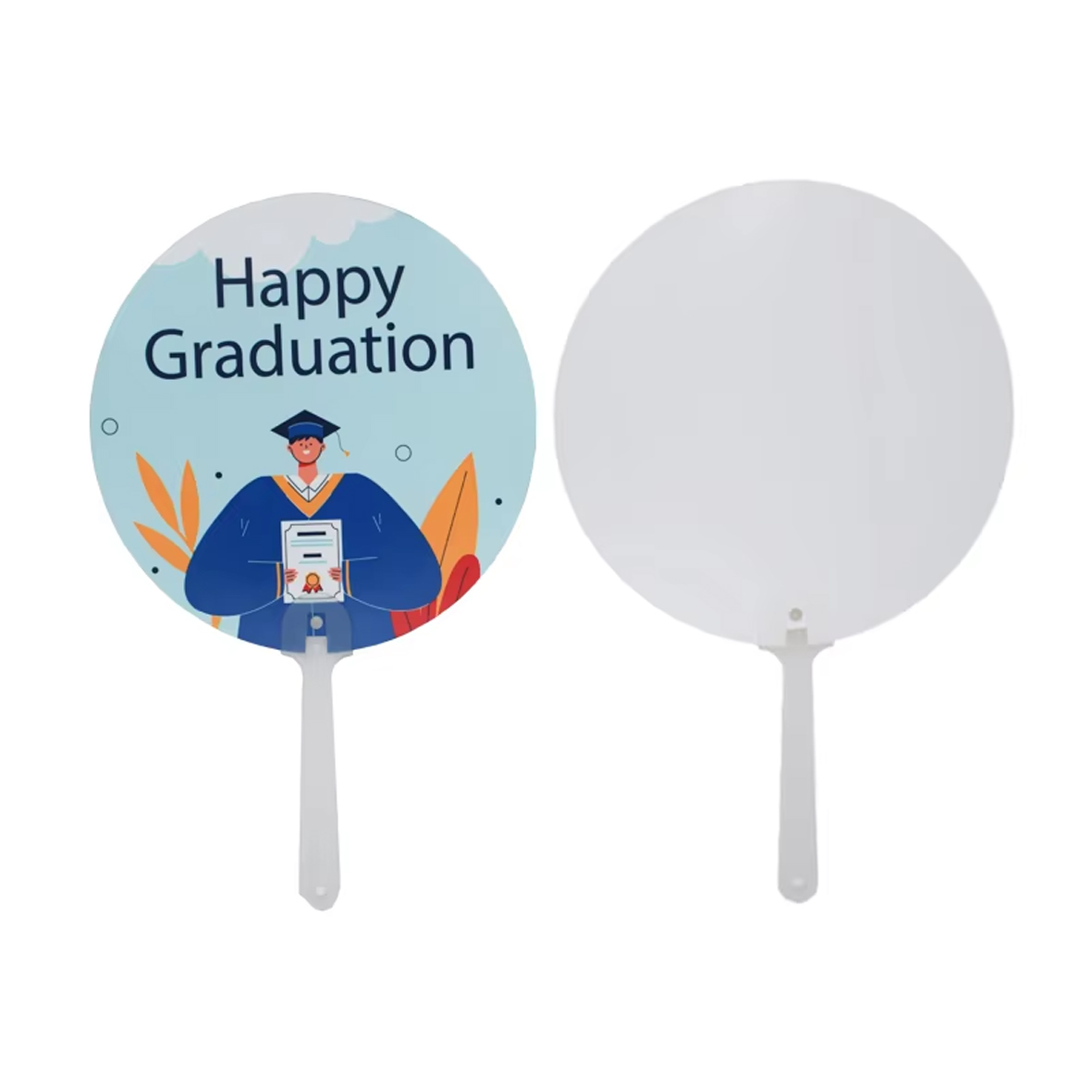
Upload your design, position it on the real product and create the personalized preview before ordering.
Open Studio →
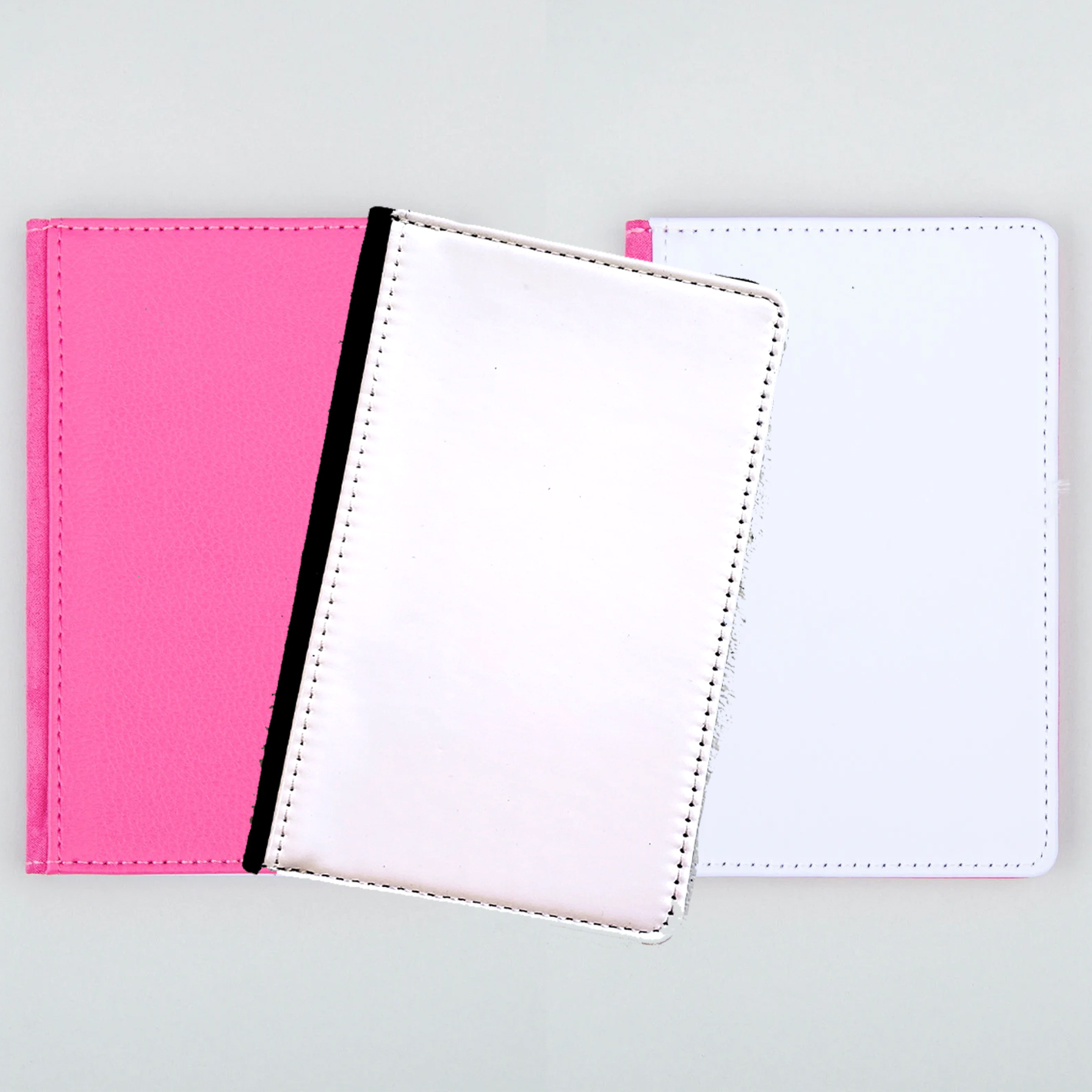
Upload your design, position it on the real product and create the personalized preview before ordering.
Open Studio →
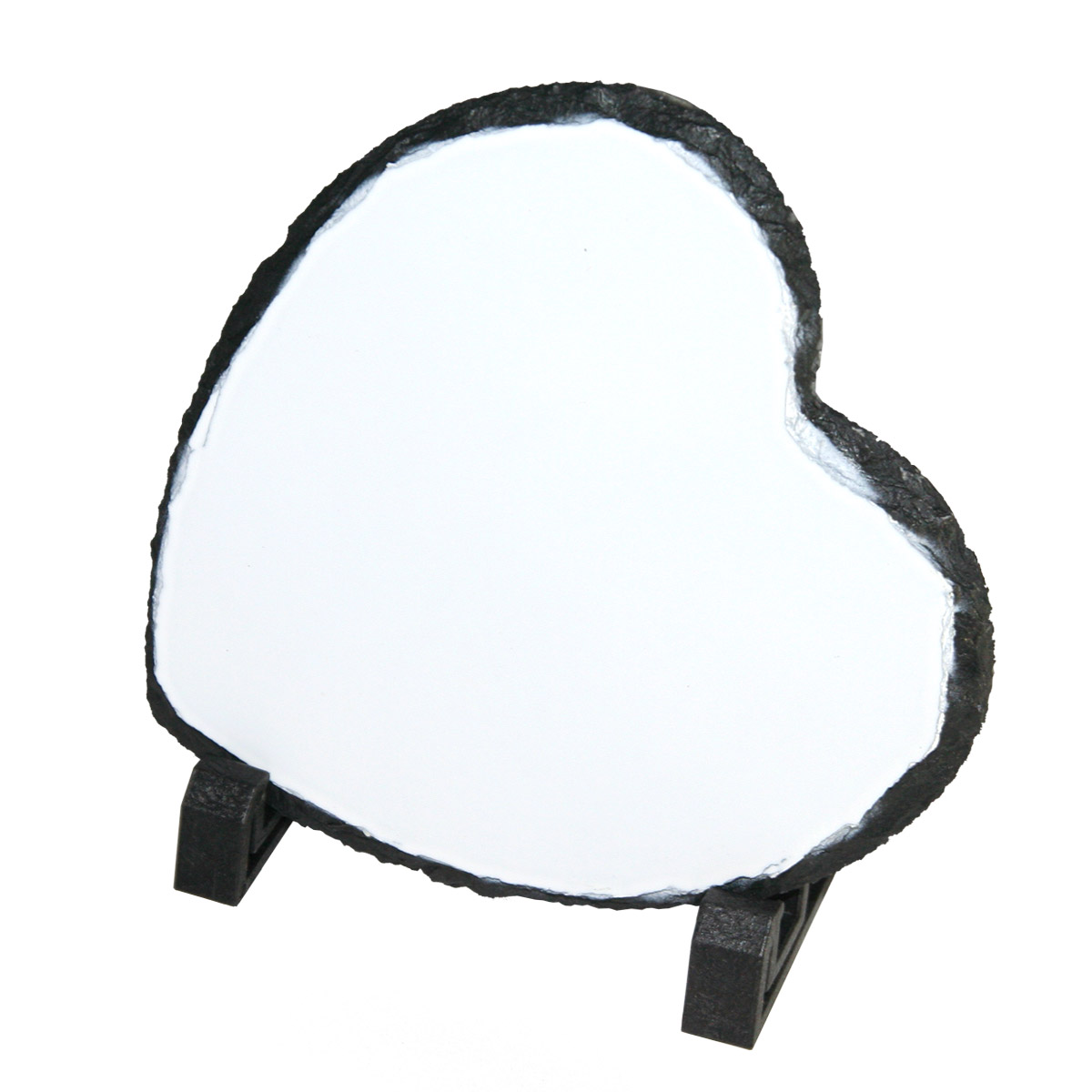
Upload your design, position it on the real product and create the personalized preview before ordering.
Open Studio →
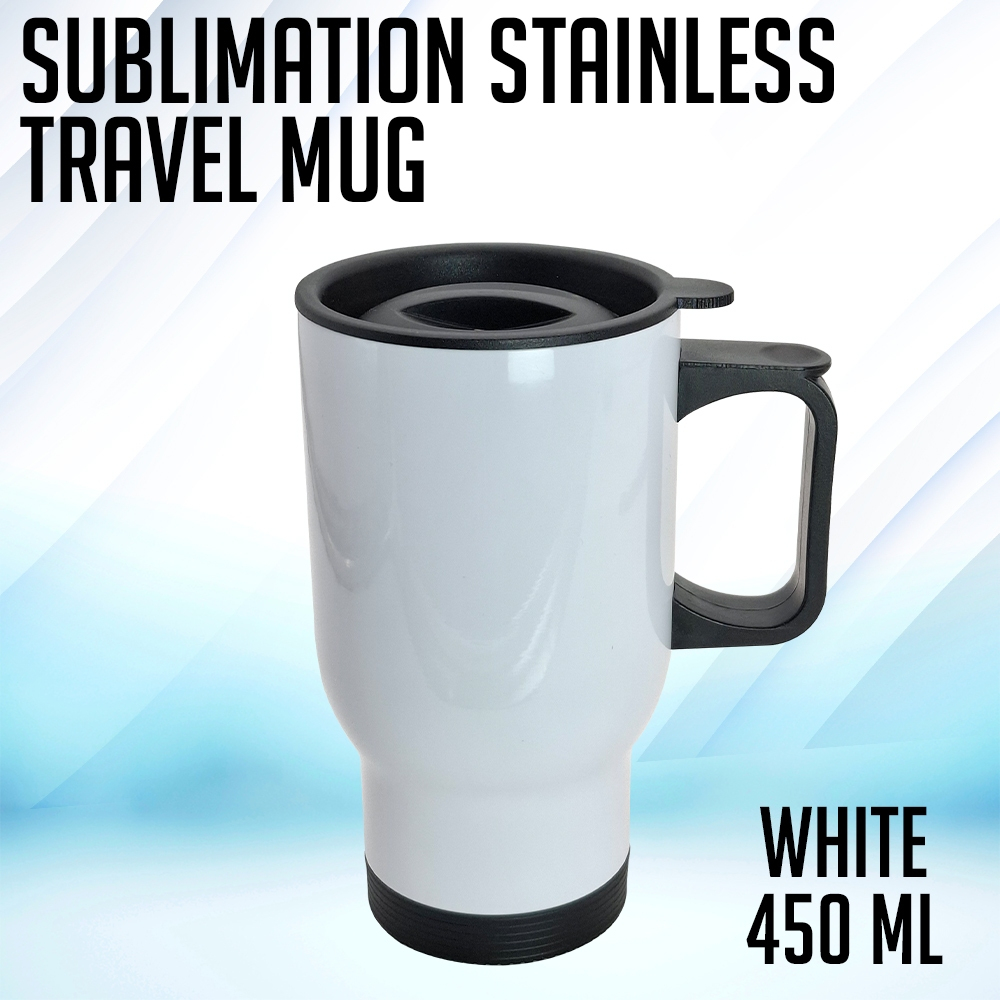
Upload your design, position it on the real product and create the personalized preview before ordering.
Open Studio →

Choose one-photo wrap or two separate sides, then arrange photos, text and symbols directly in the Studio.
Open Studio →
Upload one design for one continuous wrap. The Studio keeps the print file exact and gives the customer one clear preview.
Open Studio →
Choose one-photo wrap or two separate sides, then arrange photos, text and symbols directly in the Studio.
Open Studio →
Upload one design for one continuous wrap. The Studio keeps the print file exact and gives the customer one clear preview.
Open Studio →
Upload one design for one continuous wrap. The Studio keeps the print file exact and gives the customer one clear preview.
Open Studio →
Upload one design for one continuous wrap. The Studio keeps the print file exact and gives the customer one clear preview.
Open Studio →
Upload one design for one continuous wrap. The Studio keeps the print file exact and gives the customer one clear preview.
Open Studio →
Upload your design, position it on the real product and create the personalized preview before ordering.
Open Studio →